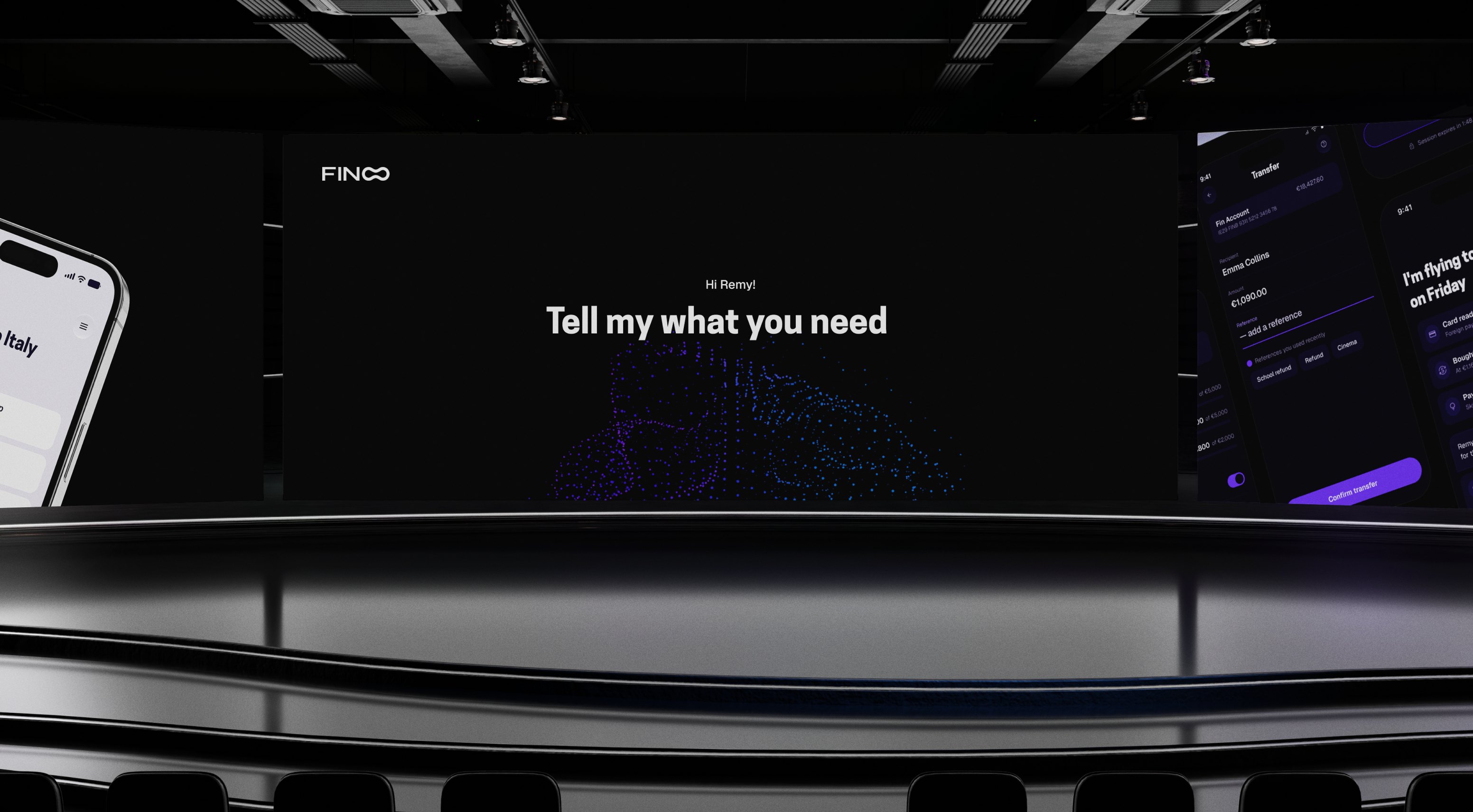
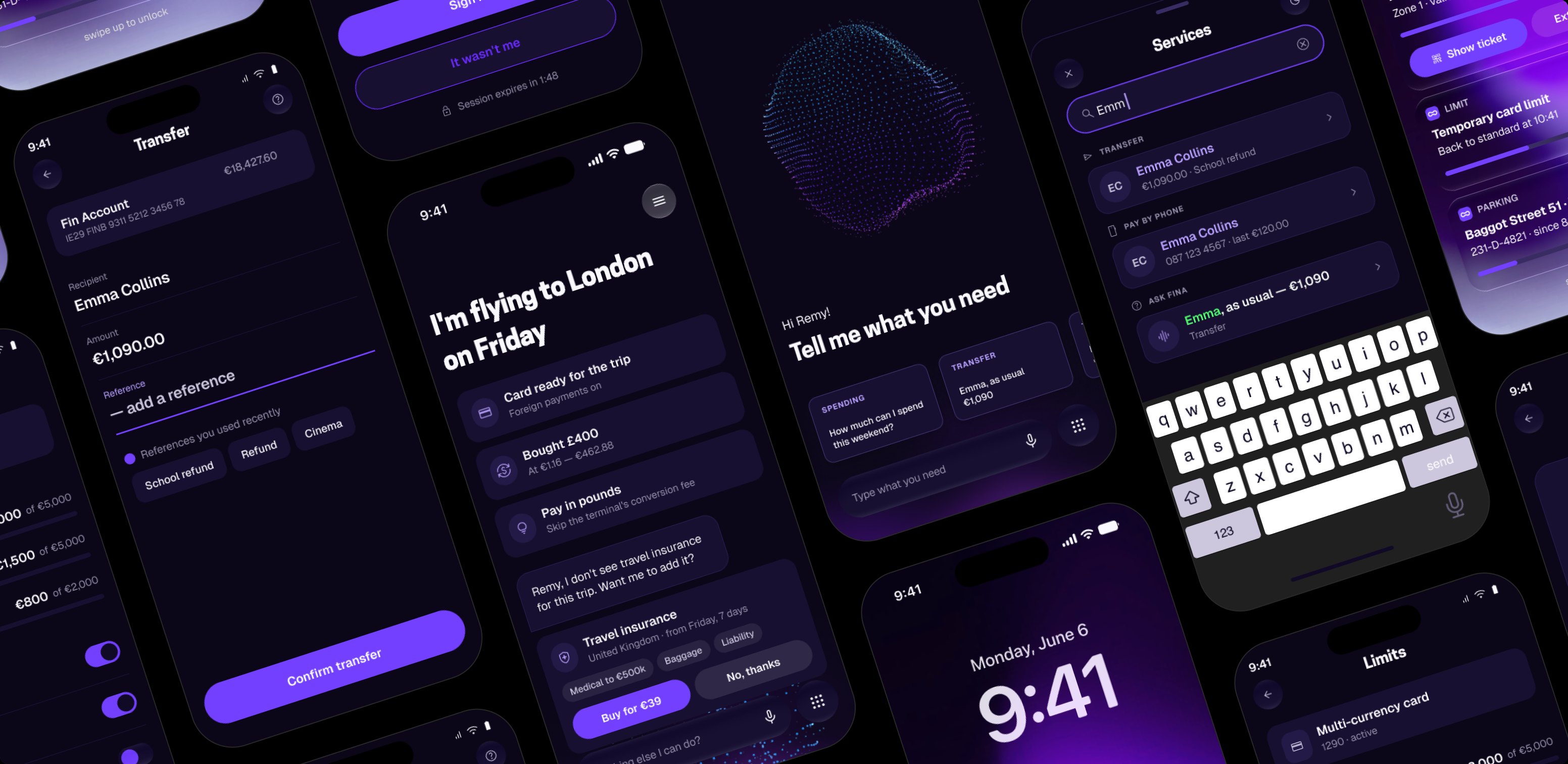
Fin∞ is a concept for an AI layer in a mobile banking app. Instead of four separate assistants I designed one agent, Fina, who looks at spending, savings, investments and currencies, speaks first when something matters and turns a single sentence into a ready transfer. I led the concept, created the brand, designed the UX/UI and Fina’s form and motion, built a studio to tune it and coded a working demo.
Brief & Critique
Market Research
Agent Architecture
UX/UI Design
Fina’s Form & Motion
Voice & Intent
Coded Demo
Testing
Live Demo
Challenge & solution
Challenge
Four assistants, one menu
The brief asked for four AI assistants as tiles: spending, savings, investments and currencies. A tile you have to open is a menu, and nobody knows whom to ask before they know what to ask.
Solution
One agent that speaks first
I merged them into Fina, one agent with four lenses on the same data. The app opens on what matters now, a single field takes commands, and a human always confirms.
Results
1 agent instead of 4 assistants
Spending, savings, investments and currencies became four lenses of one agent, so nobody has to pick who to talk to.
1 sentence instead of a form
A spoken or typed command fills in the whole transfer. What is left is one confirmation screen, because a human always approves.
1 demo you can talk to
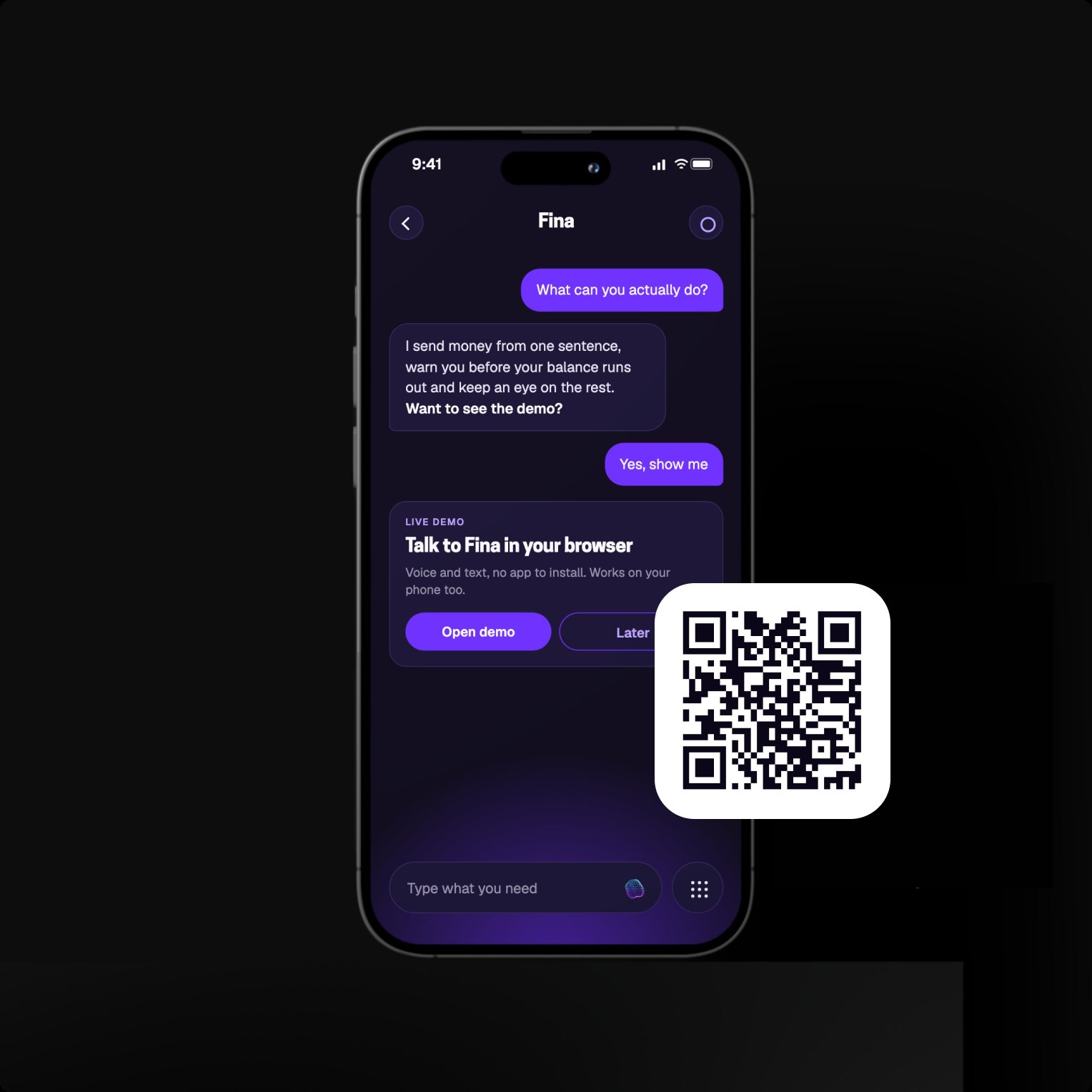
A working voice prototype that runs in the browser. Scan the QR code and try it on your own phone.
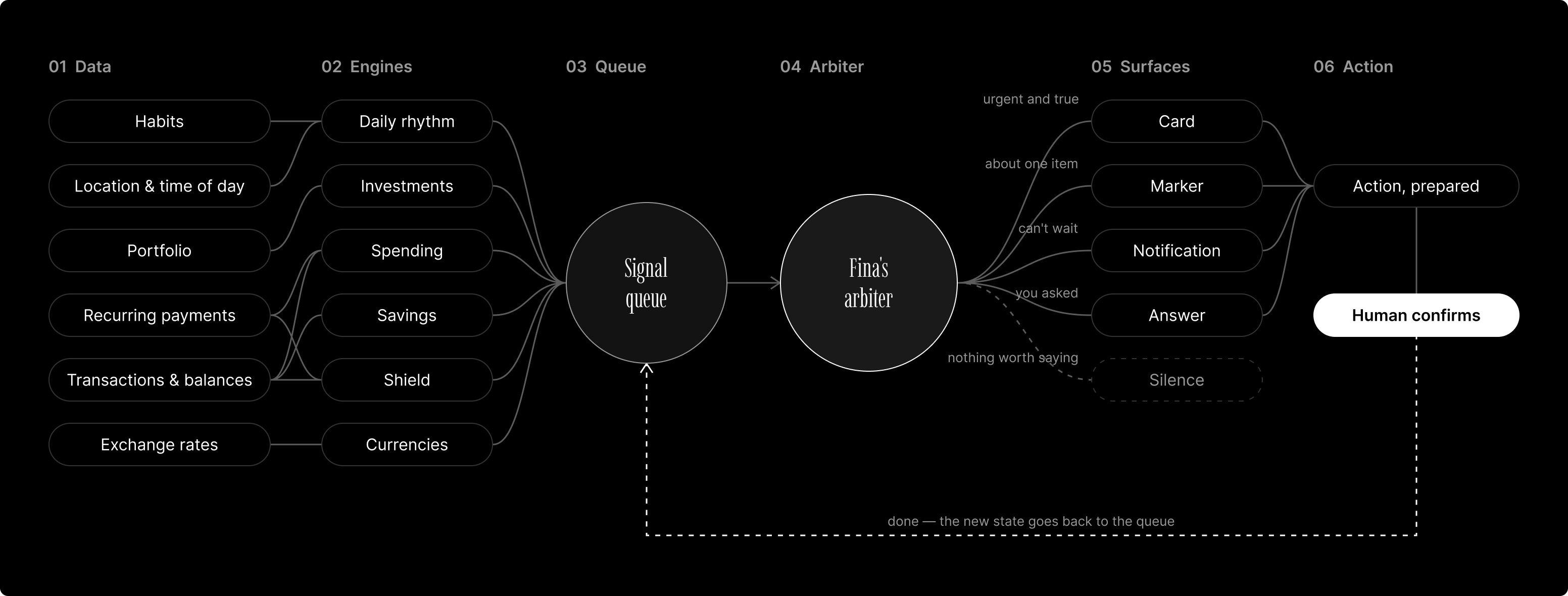
Engines never act
They raise signals (push) or answer questions (pull).
A signal checks if it's still true
Loan paid, and the card quietly disappears.
A warning always, a sale never first
Quiet hours 22–7, at most two cards at a time.
UX/UI
The bank speaks first
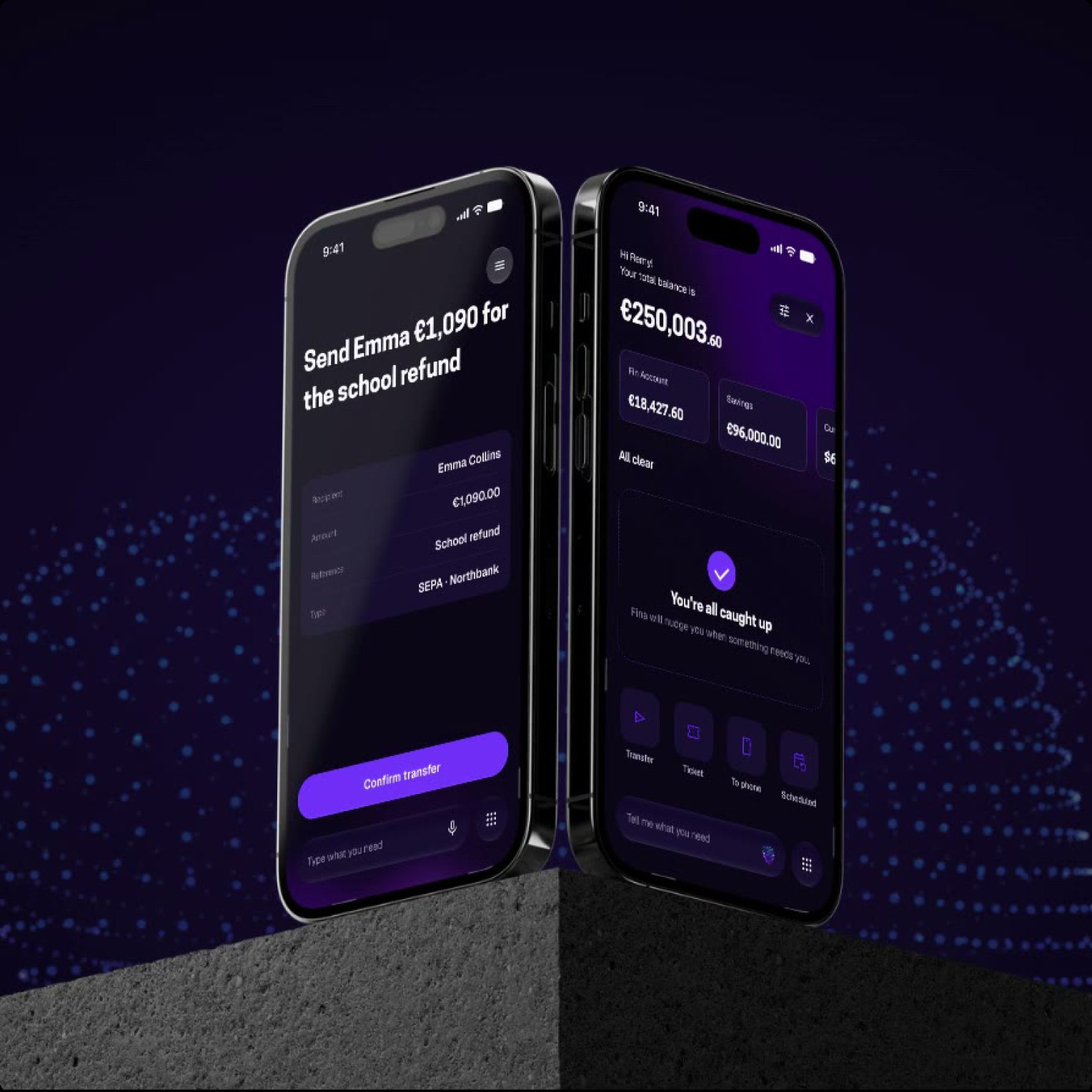
The app opens on what matters now, not on a menu: one or two cards prepared in advance, like a payment the balance won’t cover, with a way out. Below sits a single field that takes commands, not searches. Type “transfer” and you get a ready command with a name and an amount, one tap from the confirmation screen. Fina proposes and fills in, a human always approves.
Branding
Infinity banking: always there, speaking only when it matters
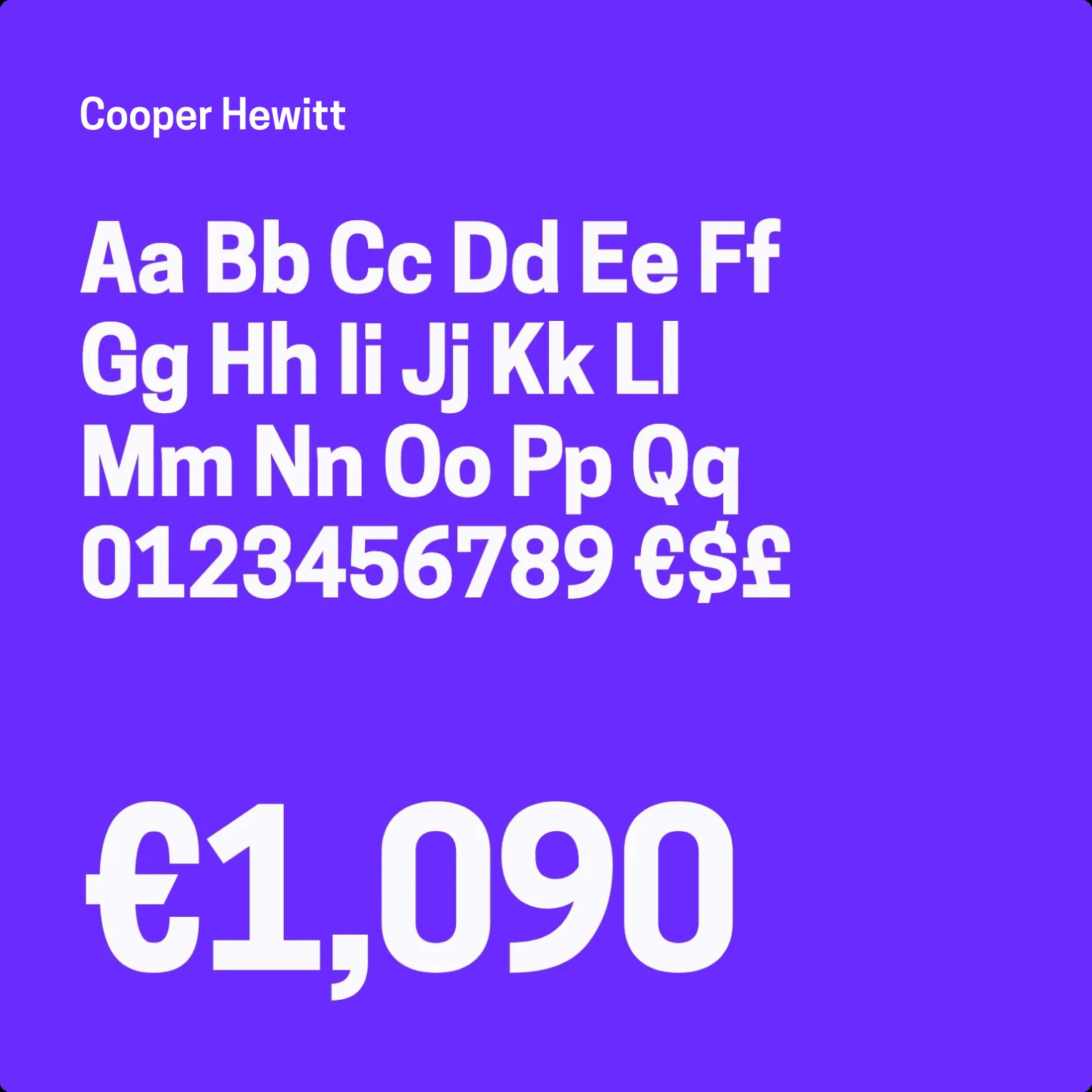
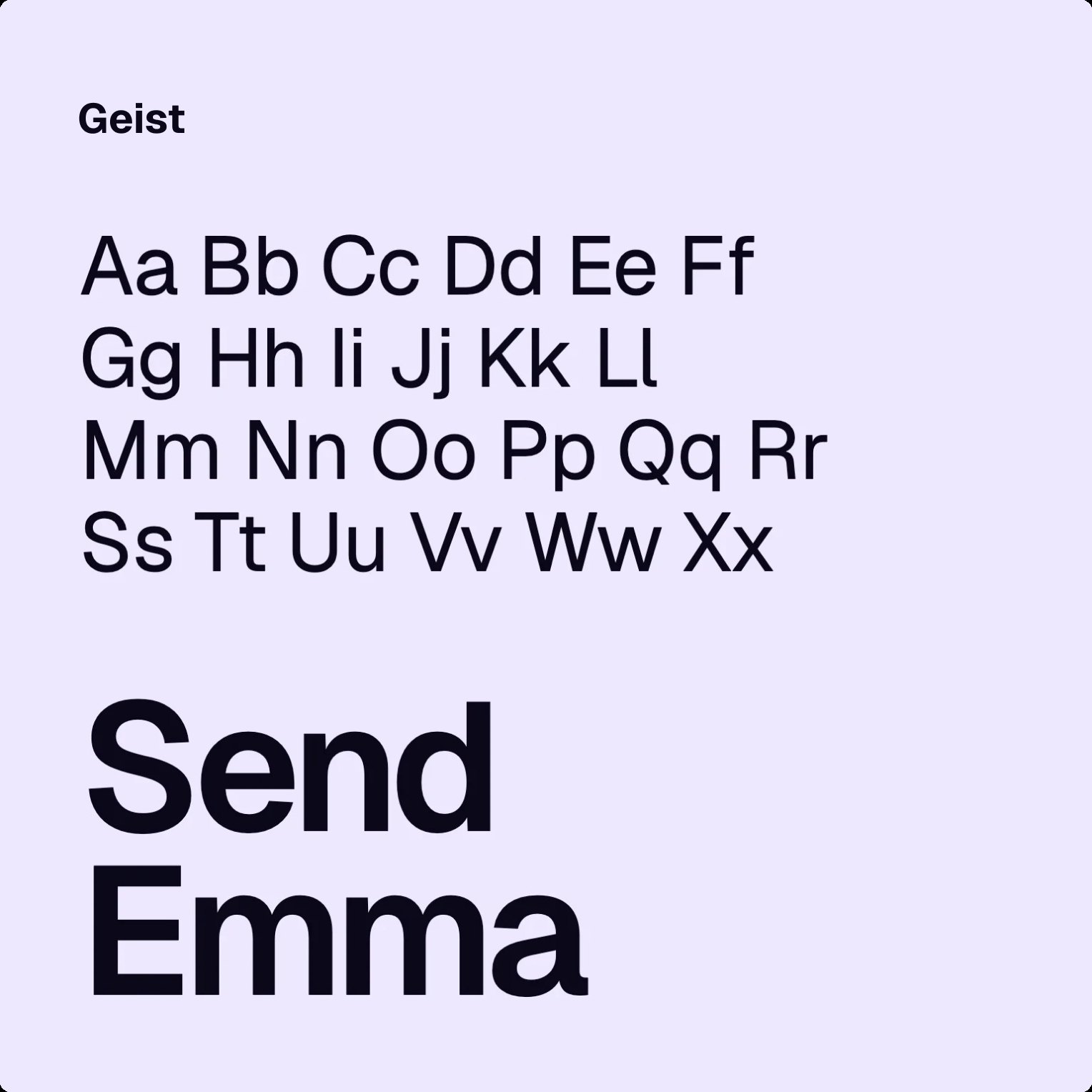
The wordmark joins FIN with an infinity loop, a bank that never closes the conversation. The Electric palette pairs a deep purple with a cyan accent, and Cooper Hewitt with Geist keep the numbers big and the interface calm, in both light and dark mode.
01
Asleep
Quiet hours. Barely breathing.
02
Idle
Calm, waiting for you.
03
Listening
Swells with your voice.
04
Thinking
Shimmers. Never a spinner.
05
Speaking
Pulses as she talks.
Motion
One form for voice and text
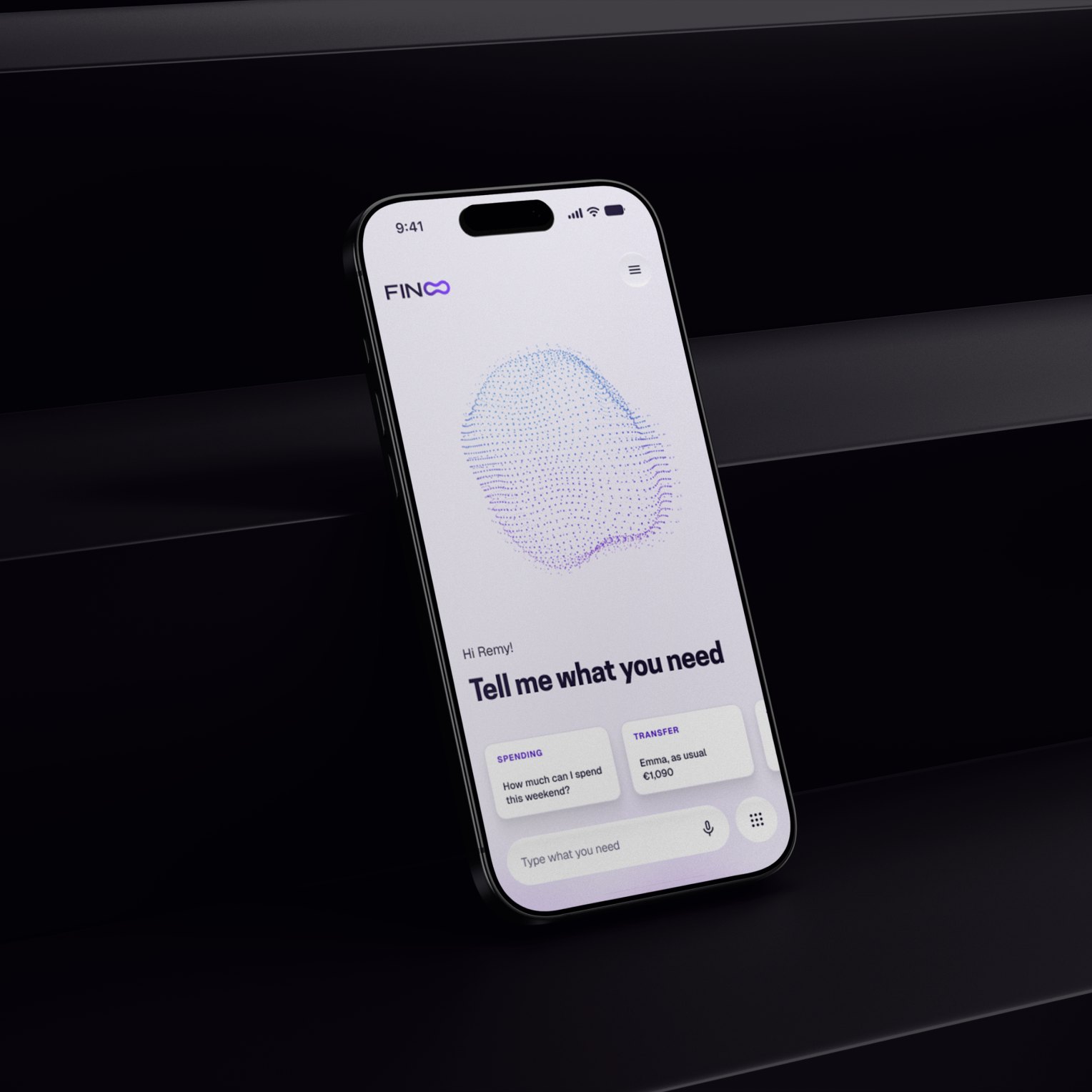
Fina has no chat window and no microphone button. Her form is the input: hold it and it spills into a field that breathes with your voice, start typing and it curls into the cursor, keeping everything already said. Asleep, idle, listening, thinking and speaking each move differently, and thinking is never a spinner.
Fina Studio
A studio to tune a living form
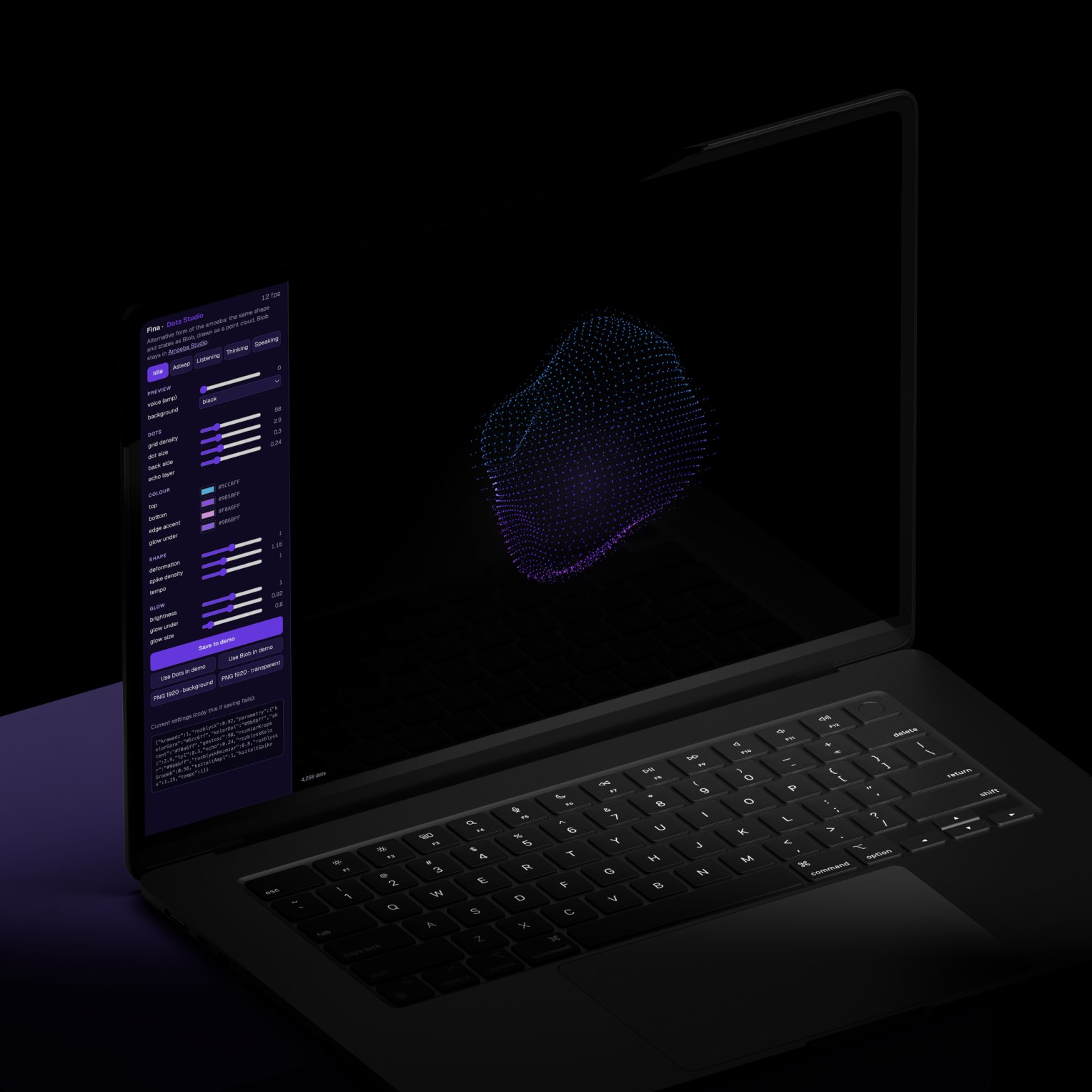
Fina’s form is a living 3D shape, so I built Fina Studio to tune it: layers, blur, rotation and how strongly it reacts to sound, across all five states. One click saves the look straight into the demo, and frames export as 1920 px PNGs on a dark or transparent background.
Mobile
Banking you can say in one sentence
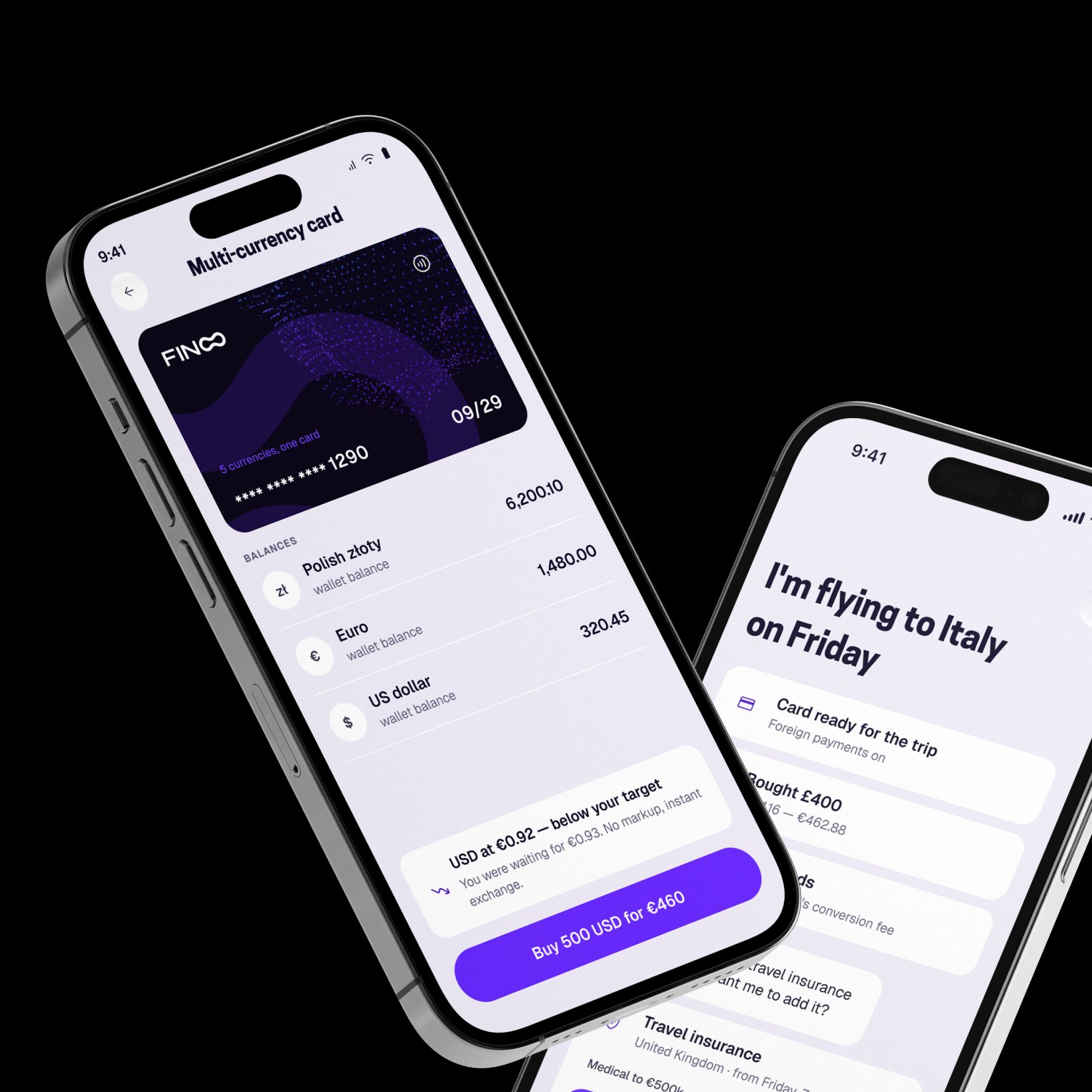
“Send Emma €1,090 for school” fills in the recipient, amount and title in one go, and if something is missing, Fina asks only about that. Around it sits a full everyday app: accounts, funds and currency exchange, paying by phone number or a one-time code, and a city ticket picked by location. Voice and touch are equal, and switching halfway never loses what is already filled in.
CarPlay
Fina on the road
In the car, the screen is not the place to read. Fina gives a short spoken summary of the day and turns the most important card into one question you can answer by voice. Anything that moves money still waits for your confirmation.
Coded Prototype
Voice is the product, so the demo is code
A Figma prototype can’t listen, so the demo is code. Speech recognition and Fina’s voice come straight from the browser, an intent parser turns a sentence into a transfer, and the whole app runs as a static web app with no backend and no keys. Open it on desktop next to a phone frame, or scan the QR code and use it as an app.